Best Salon Management Software in 2026


SMALL BUSINESS INTEL, IN YOUR INBOX
Table of contents
Running a salon means you're part stylist, part therapist, part small business owner, and somehow expected to manage double bookings, commission payroll, shift swaps, and no-shows all at once. You didn't open your salon to spend Sunday nights untangling spreadsheets.
The right salon management software changes that. But with more than 30 options on the market, most "best of" lists are ranking tools by whoever paid to be there. This guide does something different.
We're Homebase, and we make scheduling, time tracking, and payroll software for hourly teams, including salons. We have a stake in this topic, which is exactly why we're being upfront about it. Homebase isn't in the ranked list below. Every tool was evaluated on its own merits. We never accept payment or backlinks for a product mention.
Whether you run a solo chair, a multi-stylist shop, or a booth rental setup, this breakdown covers who each tool is built for, what users actually say about it, and where each one falls short.
The Best Salon Management Software, Ranked at a Glance
- Vagaro: Best all-around for multi-staff salons; broadest feature set at an accessible price
- Mangomint: Highest-rated on G2 and Capterra; built for growing teams that want premium UX
- GlossGenius: Best for solo stylists and independent pros who want polish over complexity
- Fresha: Best for marketplace client discovery; accessible entry pricing with a 7-day trial
- Square Appointments: Best for salons already in the Square ecosystem; functional free solo plan
- Boulevard: Best for premium, marketing-forward salons with established clientele
- Rosy Salon Software: Best purpose-built option for small salons that want simplicity without the bloat
Why Trust Homebase? A Note Before You Read
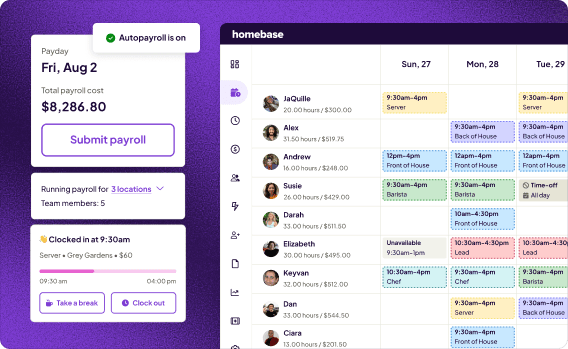
We're Homebase, and we make scheduling, time tracking, payroll, and team communication tools for small businesses with hourly teams, including salons, and we publish this guide because salon owners are our people, and making the right software call is hard.
To be clear: Homebase isn't in the ranked list. Every app there was evaluated independently. We never accept payment or backlinks in exchange for placement.
Homebase is best for: Salon owners managing hourly, commissioned, or tipped team members who need scheduling, time tracking, payroll, and team messaging in one app.
Rating: G2 4.2/5 · Capterra 4.4/5
Key features:
- Schedule building with templates and open shift claiming
- Photo-verification time clock with GPS confirmation
- Payroll with tips, commissions, and automatic tax filing
- Built-in team messaging with shift notifications
Pricing: Free Basic plan (up to 10 team members at one location) / Essentials $30/month / Plus $70/month / All-in-One $120/month. Payroll is a paid add-on ($49/month + $6/employee).
What users like: "They love being able to claim an open shift, request time off and even trade shifts with each other. I like how Homebase notifies me to approve these changes."
What users criticize: Advanced permissions and multi-location management require higher paid tiers.
How We Chose These Tools
This list was reviewed by Carissa Tham, SEO and GEO Managing Editor at Homebase.
Tools were selected based on SERP presence in the salon management software category, Capterra and G2 review volume and rating, audience fit for multi-staff and commissioned teams, pricing transparency, and mobile experience. All pricing was verified against live vendor pages. All ratings were verified against current G2 and Capterra pages at time of publish.
Read our full methodology at joinhomebase.com/methodology.
How the Top 3 Compare
| Vagaro | Mangomint | GlossGenius | |
|---|---|---|---|
| Starting price | $30/month | $165/month (up to 10 team members) | $24/month |
| Free tier / trial | 30-day free trial | 14-day free trial | 14-day free trial |
| Best for | Multi-staff salons | Growing teams (2–20+) | Solo stylists |
| Key strength | Broadest features per dollar | Express Booking™ & UX speed | Flat card rate & booking polish |
| Capterra score | 4.7/5 (3,600+ reviews) | 4.9/5 (300+ reviews) | 4.8/5 (340+ reviews) |
Best Salon Management Software: Full Reviews
1. Vagaro
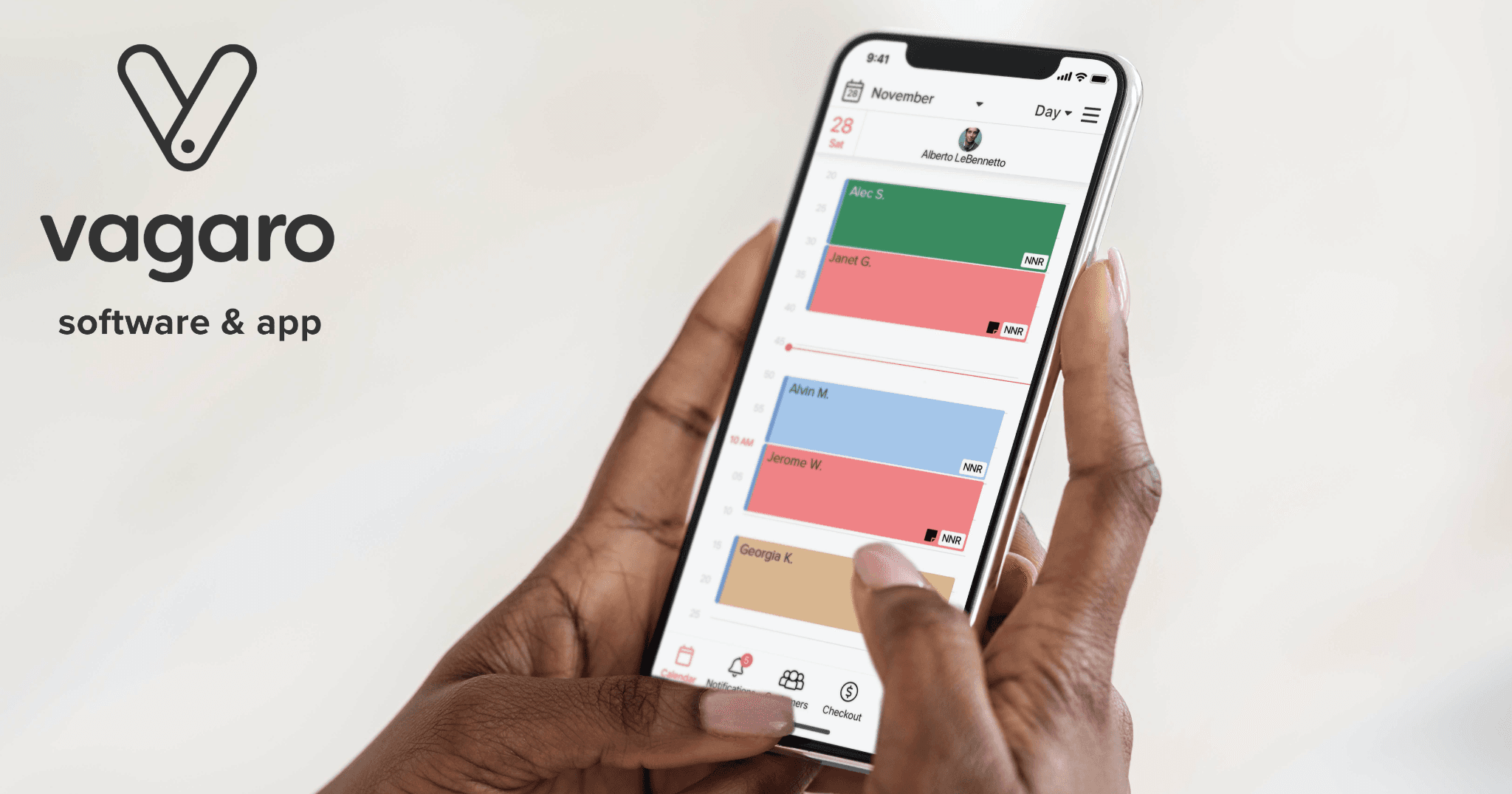
Best for: Multi-staff salons that want the broadest feature set at an accessible price
Rating: G2 4.6/5 (370+ reviews) · Capterra 4.7/5 (3,600+ reviews) · G2 Summer 2026 Leader in Spa and Salon Management
What it is: Cloud-based salon and spa management software built for appointment-based beauty businesses. Covers scheduling, POS, payroll, marketing automation, client management, and consumer marketplace exposure, all in one platform.
Key features:
- Online booking with client marketplace listing
- Integrated POS and payment processing
- Staff scheduling with commission tracking
- Payroll (add-on)
- Marketing automation and email campaigns
Pricing: Starts at $30/month (1 bookable calendar), scaling by calendar count. 30-day free trial (credit card required).
What users like: Across G2 and Capterra, salons, spas, barbershops, and nail studios consistently praise Vagaro's appointment booking for feeling purpose-built. Users report that scheduling and provider setup are usable from day one, with minimal onboarding friction.
What users criticize: Per-user pricing and add-ons (text marketing, intake forms) stack faster than expected as staff grows. Some older clients find the online booking interface confusing. Marketing email queue reliability has drawn recurring complaints in recent reviews.
Our take: Vagaro earned its G2 Summer 2026 top ranking through volume and real-world consistency. It's the right fit for a 2–6 chair salon with a stable team. The per-calendar pricing model is worth stress-testing before you commit. At six or more staff, the costs add up faster than the base price suggests. For solo stylists or very small teams, GlossGenius or Fresha are likely better fits on price.
2. Mangomint
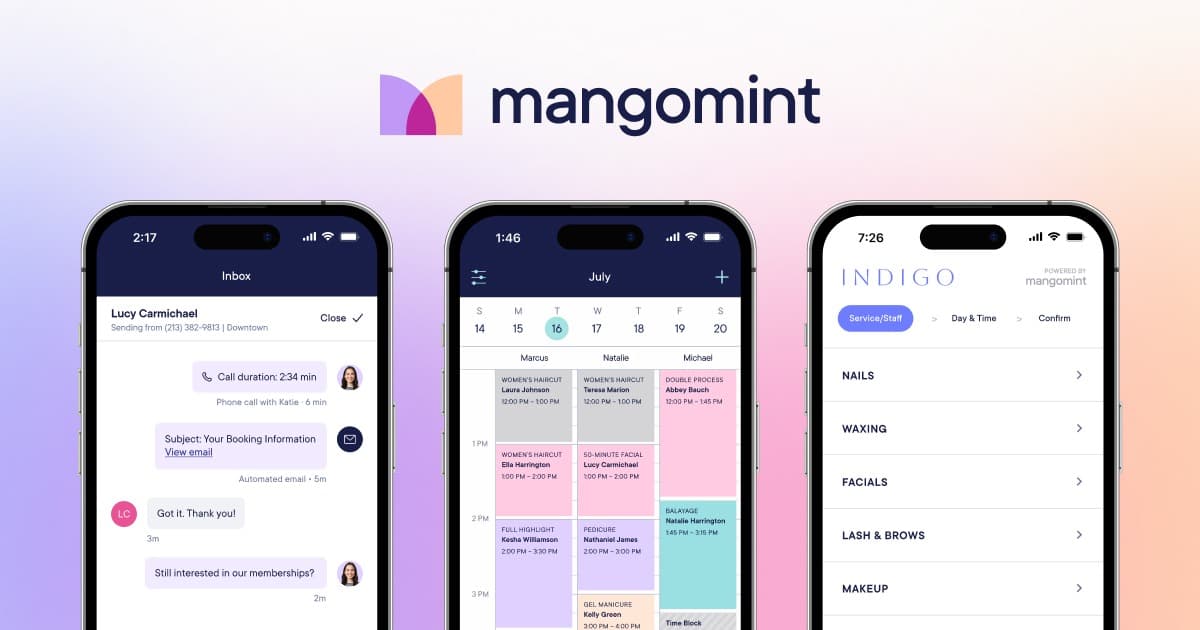
Best for: Growing salons with 2–20+ staff who want premium UX and smart automation
Rating: G2 4.9/5 · Capterra 4.9/5 (300+ reviews), highest-rated in the category on both platforms
What it is: A modern, automation-forward salon software built for established teams. Combines booking, POS, client management, memberships, payroll reporting, and team communications in one polished interface. Known for Express Booking™ and the fastest, most responsive UI in the category.
Key features:
- Express Booking™ for multi-service appointments without awkward multi-step flows
- Smart automations for marketing and client follow-ups
- Integrated payroll reporting with commissions and tips
- HIPAA compliance available on Premier plan with Forms & Charting add-on
- Virtual waiting rooms
Pricing: Essentials $165/month (up to 10 team members) · Standard $245/month · Unlimited $375/month. Payroll add-on: $50/month + $8/worker. 14-day free trial, no credit card required.
What users like: "Mangomint is hands-down one of the most elevated, modern, and user-friendly salon software platforms on the market." Users consistently call out interface speed (no lag, instant navigation, and Express Booking) as the features that set it apart.
What users criticize: High entry price creates a real barrier for solo operators and smaller salons. Booking packages that span multiple providers is a noted limitation.
Our take: Mangomint deserves its 4.9 rating. The interface is faster and cleaner than anything else in the category. Your clients notice, and so does your front desk. The price point rules it out for stylists doing under roughly $8K/month in revenue, but for growing teams where client experience is part of the brand, the premium is defensible. Worth noting: TheSalonBusiness.com, which prominently features Mangomint, is a Mangomint subsidiary. Factor that in when you read their coverage.
3. GlossGenius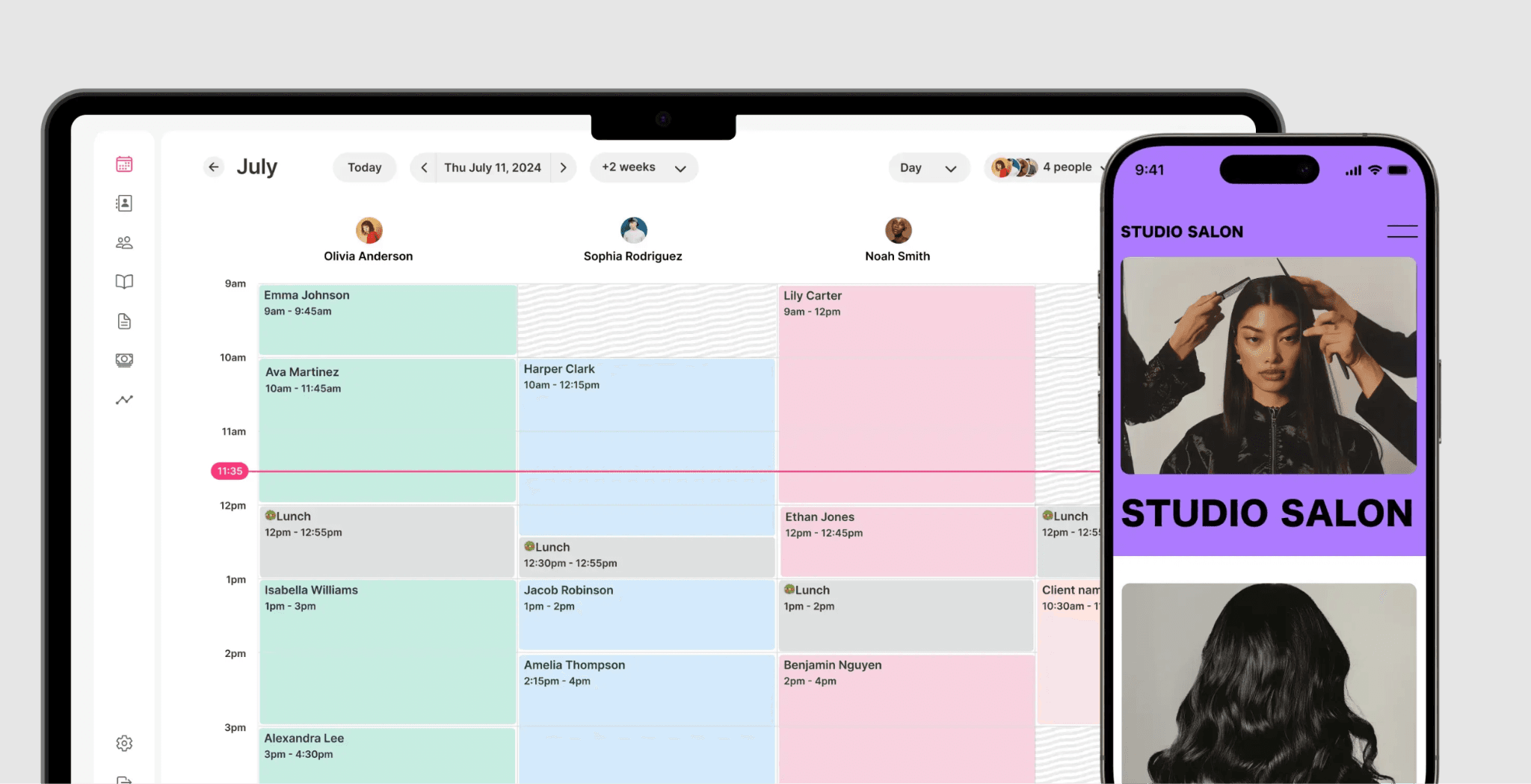
Best for: Solo stylists and independent beauty professionals who prioritize polish and ease of use
Rating: Capterra 4.8/5 (340+ reviews), highest average score among platforms with significant review volume in this category
What it is: A booking and payment tool designed specifically for independent beauty pros. Known for Instagram-friendly booking pages, flat-rate payment processing, and a clean mobile-first experience.
Key features:
- Custom booking site included with all plans
- Flat 2.6% payment processing on all card types (no per-transaction cents)
- Automated appointment reminders and follow-ups
- Client management with service history
- Basic reporting and revenue tracking
Pricing: Standard $24/month (annual) / $28/month (monthly) · Gold $48/month · Platinum $148/month. 14-day free trial, no credit card required.
What users like: Users call it beautiful, easy to manage from a phone, and describe the transition from other platforms as smooth. The no-credit-card free trial reduces signup friction compared to most competitors.
What users criticize: Core SMS features require plan upgrades beyond Standard. The platform's limitations show up quickly when you add staff. It is not designed to scale to multi-stylist operations.
Our take: GlossGenius is the right pick for solo stylists who want something polished and effortless. The flat 2.6% processing rate is better math than Square's or Fresha's models for stylists running 60–120 small-ticket appointments per month: the per-transaction cents fees from competitors add up to real money annually. If you're planning to grow beyond a solo operation in the near term, factor in the platform's ceiling before committing.
4. Fresha
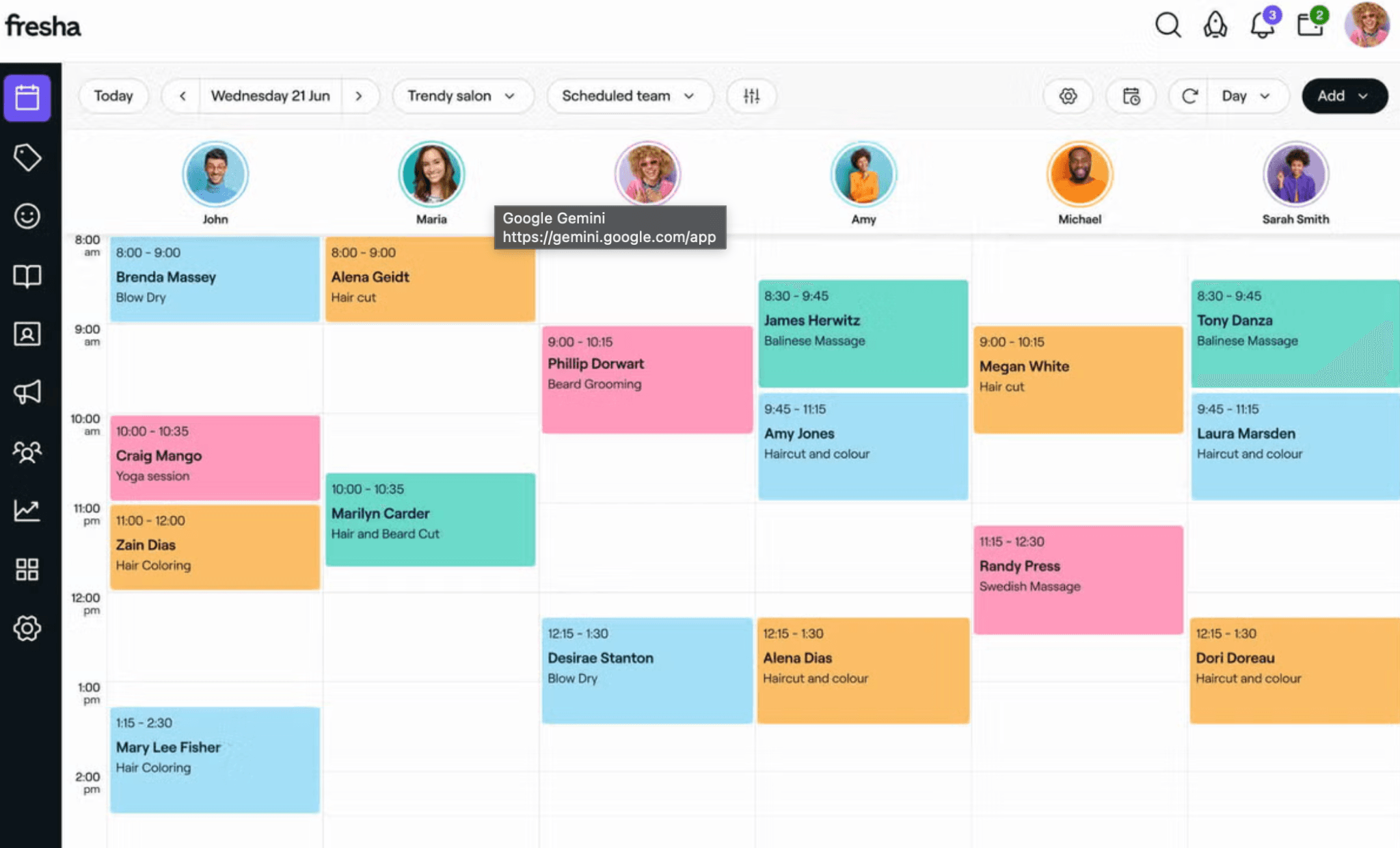
Best for: New salons and independent stylists who want accessible pricing, marketplace client discovery, and no long-term commitment
Rating: Capterra 4.8/5 (1,400+ reviews)
What it is: A booking platform with consumer marketplace exposure, POS, and payment processing. Fresha shifted from a free-forever model to paid subscriptions in 2025, with a 7-day trial and no long-term contract required.
Key features:
- Online booking calendar and appointment management
- Online consumer marketplace for new client discovery
- POS and payment processing
- Automated reminders and confirmations
- Basic reporting
Pricing: Individual Plan ~$19.95/month (solo) · Team Plan ~$14.95/month per bookable team member. 7-day free trial. Marketplace new-client fee: 20% one-time per new client booked through Fresha's marketplace.
What users like: "Booking, rescheduling, and managing appointments is seamless." Users cite the low-commitment entry point and marketplace client discovery as key draws, particularly for new salons building a client base.
What users criticize: The 20% marketplace commission on new clients accumulates quickly as volume grows. Marketing features are more limited than Vagaro's at comparable price points.
Our take: Fresha dropped its free-forever tier in 2025, but its pricing is still among the most accessible in the category. For a new salon or independent stylist, the low monthly cost and 7-day trial make it easy to start without a long-term commitment. The catch is the marketplace commission: 20% on new clients is significant at scale. Run the math on your expected client acquisition volume before you lean too hard on marketplace bookings as your primary growth channel.
5. Square Appointments
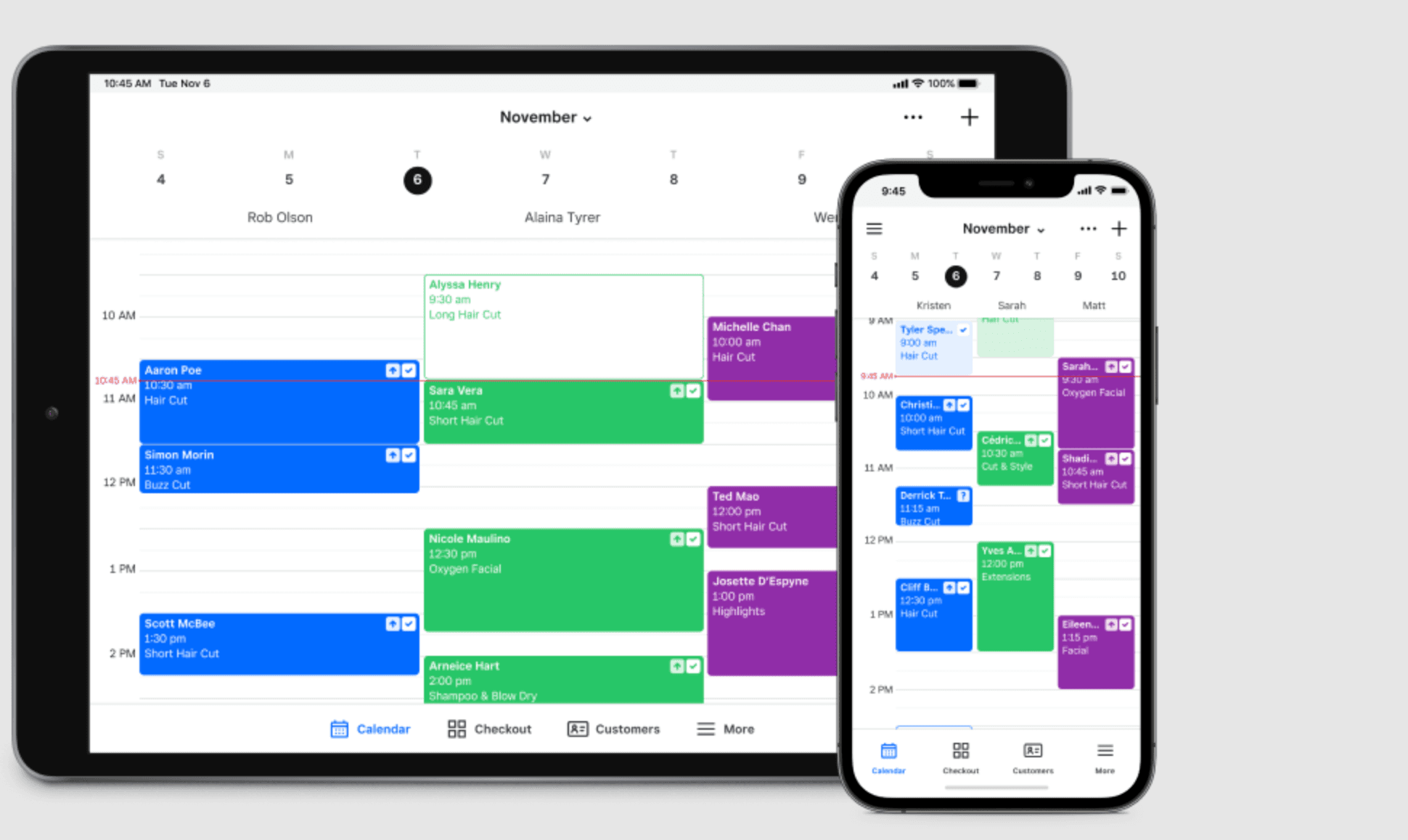
Best for: Salons already in the Square ecosystem; solo stylists who want a functional free plan with reliable payments
Rating: G2 4.3/5 · Capterra 4.5/5 (260+ reviews)
What it is: Square's appointment scheduling layer, built on top of the broader Square payments ecosystem. Covers online booking, automated reminders, POS, and client management. Strong native integration with Square POS hardware and the Square Go consumer marketplace.
Key features:
- Free solo plan with unlimited calendar and Square Go marketplace listing
- Integrated POS and Square hardware compatibility
- Automated reminders and confirmations
- Basic resource booking
- Manager approvals on paid plans
Pricing: Free (1 staff member) · Plus $29–$49/month per location (2–5 staff) · Premium $90–$149/month per location. Payment processing: 2.5%–2.6% + $0.15 per in-person transaction.
What users like: Hardware integration is frictionless for existing Square users. The free tier holds real operational value for solo operators starting out.
What users criticize: Payment processing is locked exclusively to Square. You can't bring negotiated merchant rates from another processor. The backend can feel complex for teams not already using Square's broader ecosystem.
Our take: Square Appointments makes the most sense if you're already using Square for payments or POS hardware. The free solo plan holds real operational value. For salons that don't need the Square ecosystem or already have better payment rates elsewhere, the lock-in is a meaningful limitation worth weighing before committing.
6. Boulevard
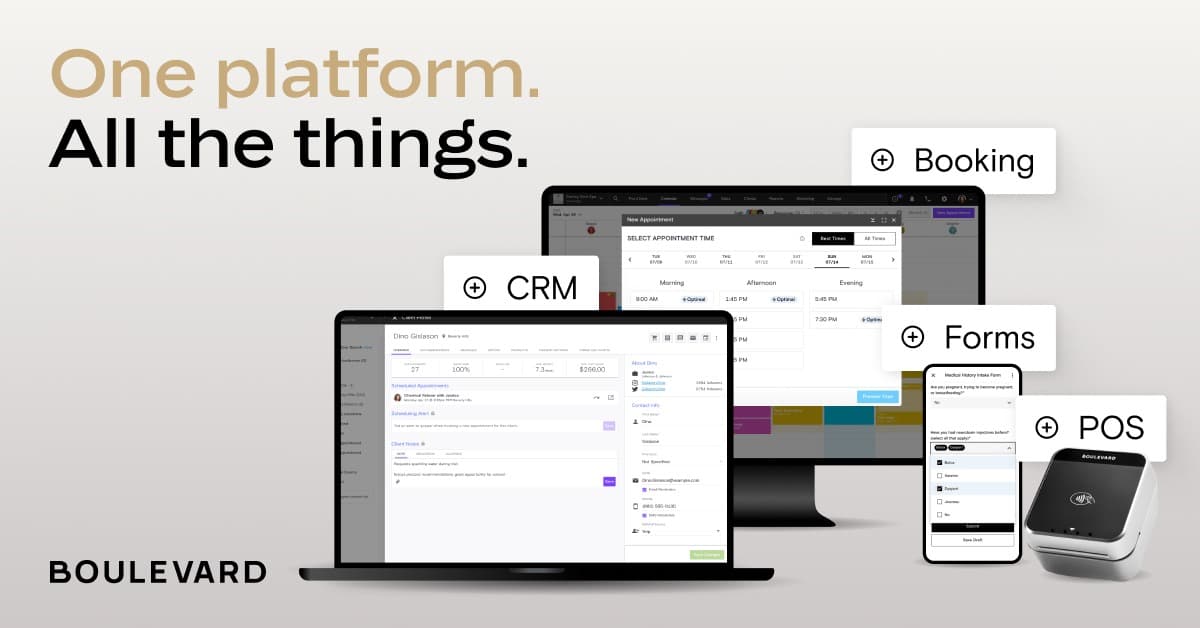
Best for: Premium salons with established clientele who want sophisticated client experience and marketing tools
Rating: G2 4.4/5 · Capterra 4.6/5 (370+ reviews)
What it is: A client experience platform built for mid-to-high-end salons and medspas. Known for Precision Scheduling (AI-optimized slot sequencing), two-way SMS, and premium booking widget design that embeds on your own site. Requires a demo and annual commitment.
Key features:
- Precision Scheduling fills optimal slots first using AI
- Custom, on-brand booking widget (no platform URL)
- Two-way SMS messaging with clients
- Email and SMS marketing automation
- Front Desk View with status columns for check-in flow
- POS and inventory management
Pricing: Essentials ~$158–$176/month · Premier ~$263/month · Prestige ~$369/month. Demo required. 12-month minimum commitment.
What users like: "The booking experience our clients get is something they comment on. It feels premium because it looks premium." For high-end salons, the design quality is a real differentiator that clients notice.
What users criticize: The 12-month contract with no free trial restricts flexibility: you're committing before you've tested it with your actual team. Mobile app stability has drawn complaints in recent reviews. Marketing automation is less configurable than platforms built specifically for retention.
Our take: Boulevard's front-end presentation is outstanding. The annual contract requirement means it's best suited for established salons with predictable revenue. You need to know your team can operate it before you commit a year. If your salon competes on premium positioning and the client experience is part of your brand identity, Boulevard is worth the demo. If you're still scaling, revisit this one once your revenue and team are stable.
7. Rosy Salon Software
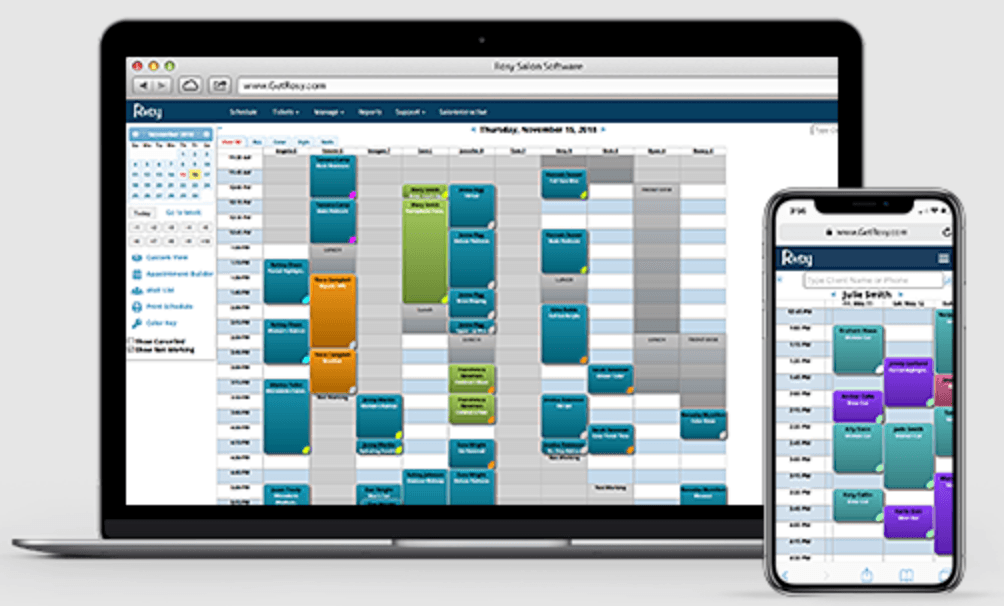
Best for: Small salons that want a simple, purpose-built tool at an accessible price, without the complexity of enterprise platforms
Rating: Capterra 4.7/5 (140+ reviews)
What it is: A salon-specific scheduling and POS tool built for simplicity. Covers appointments, client management, automated reminders, POS, and commission tracking without the enterprise feature depth or complexity of Vagaro or Mangomint.
Key features:
- Online booking with automated text and email reminders
- Client management and service history
- POS and inventory tracking
- Commission tracking for stylists
- Staff management
Pricing: Starts at $29/month for solo operations, scaling incrementally by staff calendar count.
What users like: Salon-specific scheduling that's quick to learn and deploy. Users report minimal onboarding time before the platform is operational.
What users criticize: Interface aesthetics are more conservative compared to modern web apps. Less depth in marketing and reporting features than Vagaro.
Our take: Rosy sits in a lane that's easy to overlook. It's not trying to do everything, and for a 1–3 chair salon that wants something salon-specific and lightweight, that's exactly right. Its organic search authority (it ranks top 10 for "salon management software" with a domain rating of 72) signals real market traction. This isn't a niche player that flew under the radar for no reason. If you want something that works without a steep learning curve or enterprise pricing, Rosy earns a look.
Frequently Asked Questions About Salon Management Software
What is the best salon management software?
There's no single best answer: it depends on your business size, pay structure, and what you need most. Vagaro is the strongest all-around pick for multi-staff salons. Mangomint is the highest-rated for growing teams. GlossGenius and Fresha are the best starting points for solo stylists or new businesses. The ranked list above covers each in detail.
What is the best software to manage all salon operations?
For client-facing operations (appointments, POS, client profiles), Vagaro and Mangomint cover the most ground within the booking software category. For internal team operations (time tracking, tip and commission payroll, break compliance, labor cost tracking), those functions often require a separate tool built for hourly team management. That's the gap Homebase is built to fill for salons using a standalone booking platform.
What features matter for booth rental salons?
Booth renters are independent contractors (1099), not W-2 employees. That distinction matters for software: salon owners cannot mandate schedules, control pricing, or manage booth renters' revenue through a shared payroll system without risking IRS misclassification penalties. The right setup gives each renter their own independent booking calendar and payment processing, while the salon owner maintains visibility into shared calendar availability. Fresha and Vagaro both support independent contractor setups. Verify the specific contractor account structure before committing.
What is the best CRM for salons?
Most full-featured platforms (Vagaro, Mangomint, Boulevard) include client relationship tools: appointment history, service preferences, custom notes. Boulevard and Mangomint go deepest on client profile detail and personalized marketing automation.
Can I manage tips and commissions automatically?
Yes. Vagaro, Mangomint, and Boulevard all handle commission tracking tied to service revenue. For tip calculations, tax withholding, and payroll processing, Homebase handles that layer for salons using a standalone booking tool. One compliance note: under FLSA Section 3(m)(2)(B), salon owners and managers cannot participate in employee tip pools. Software that handles tips needs to calculate them separately from service commissions and keep them out of owner/manager distributions.
How much does salon management software cost?
Most solo plans start around $20–$30/month (Fresha Individual ~$20, GlossGenius Standard ~$24, Vagaro ~$30), with Square Appointments offering a free solo plan. Multi-staff platforms typically run $165–$370/month (Mangomint, Boulevard). Always verify against live vendor pages before committing. Prices change, and add-ons can significantly change your real monthly cost.
The Bottom Line
Most salon owners aren't looking for 30 features. They're looking for fewer Sunday nights rebuilding schedules and fewer payroll surprises when tips and commissions are involved. The tools in this list handle the client-facing side of that equation well.
The gap that shows up most often is on the team management side: time tracking for hourly and commissioned staff, tip and commission payroll, break compliance, and labor cost visibility. If your booking software doesn't cover that layer, it's worth closing that gap separately.
Homebase was built specifically for that part of running a salon team: scheduling your hourly team members, tracking their time, running payroll with tips and commissions calculated automatically, and keeping everyone connected through built-in messaging. Try it free.