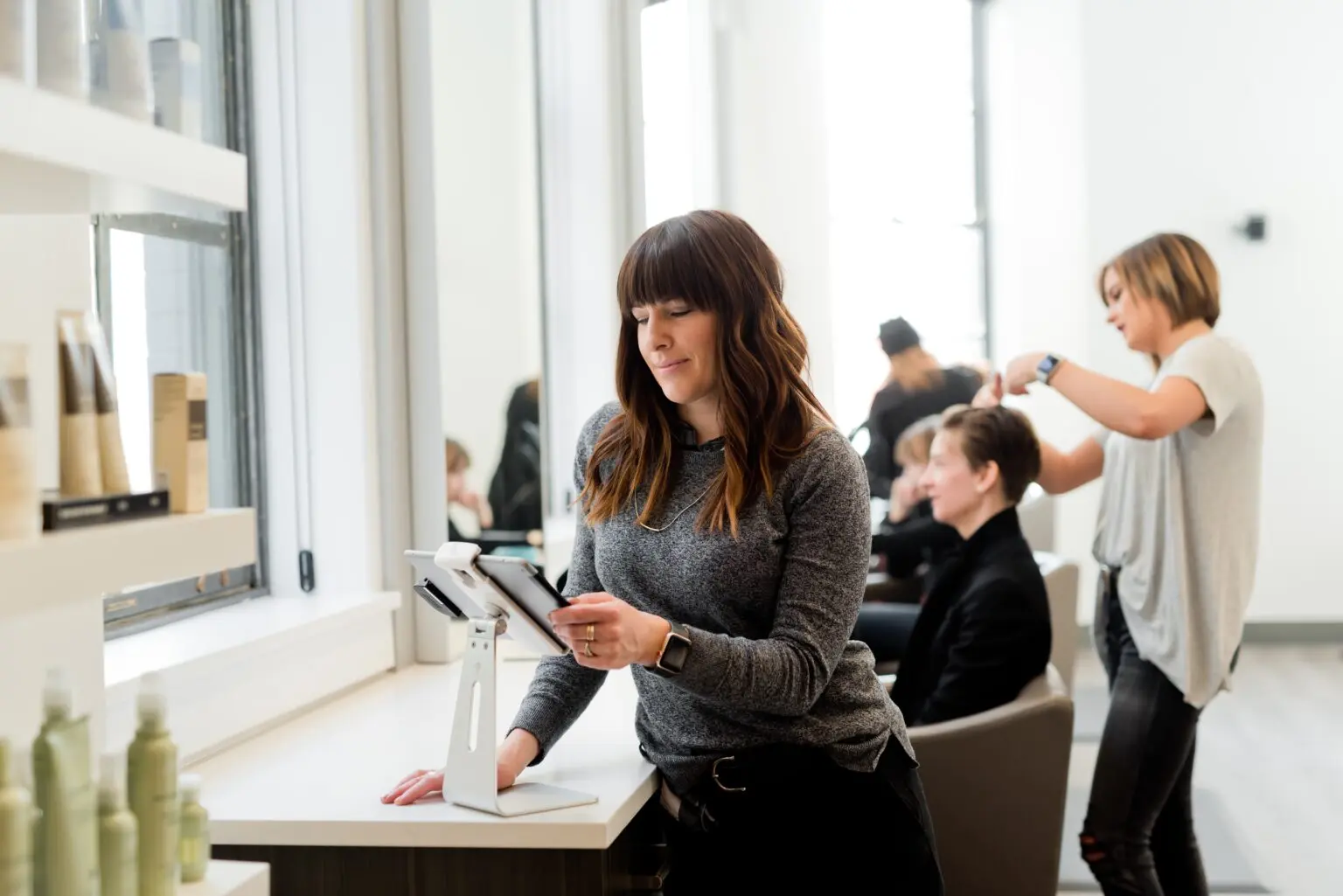
Running a salon means you're part stylist, part therapist, part business owner—and somehow expected to keep it all running smoothly. You're confirming tomorrow's highlights while your receptionist is double-booked, your best stylist just texted asking for Saturday off, and payroll is due in two days. You didn't open your salon to spend Sunday nights with a calculator and a stack of time cards.
Salon management software changes that. The right tools help you book appointments without overbooking, schedule your team without the chaos, and run payroll without crossing your fingers. This guide breaks down the essential software categories every growing salon needs, what to look for based on your business size, and how to choose tools that actually work together.
TL;DR: Salon management software comparison
Running a salon means juggling appointments, team schedules, payroll, and client communication—often across multiple disconnected tools. This guide helps you choose the right software to simplify your operations without creating more chaos.
- Online booking software: Lets clients book 24/7 with automated reminders that help reduce no-shows. Best for salons losing revenue to last-minute cancellations.
- Team communication tools: Replaces group text chaos with dedicated work channels for shift coordination, policy updates, and emergency coverage requests. Essential when you have 5+ team members.
- Payroll software: Automatically calculates tips, commissions, and varied pay structures while handling tax filing. Critical for salons with commissioned stylists or booth rental models.
- Staff scheduling software: Creates schedules in minutes using templates and suggested shifts based on availability and sales forecasts. Many managers report significant time savings each week.
- Time clock apps: Tracks hours with photo verification and GPS confirmation while preventing time theft and forgotten clock-outs. Protects your labor costs and ensures compliance.
- Advanced tools to consider: POS systems for service and retail tracking, inventory management for product sales, CRM for client retention, and multi-location management as you scale.
Choose based on your size: Solo stylists need simple booking and basic scheduling. Multi-chair salons (6-15 people) need integrated time tracking, payroll, and team communication. Growing brands (15+ team members) need labor cost tracking, compliance features, and multi-location management.
Homebase combines scheduling, time tracking, payroll, and team communication in one app—built specifically for hourly teams like salons. Try it free to see how everything works together.
What is salon management software and why does it matter?
Salon management software handles the business operations that keep your doors open—scheduling, appointments, team communication, payroll, time tracking, and client management. It's different from basic scheduling apps because salons deal with complexity: multiple service providers with different schedules, varied pay structures including tips and commissions, last-minute cancellations, and constant shift changes.
Manual systems fall apart fast. Spreadsheets don't send reminders when someone forgets to clock out. Group texts about shift coverage get buried under personal messages. Paper schedules can't warn you about double-bookings during Saturday rush.
The stakes are real. Overbooking loses clients. No-shows kill revenue. Scheduling chaos burns out your team. Labor law mistakes cost thousands in fines. The right software protects your reputation, your team, and your profit margins.
5 essential salon software tools every growing salon needs
Not all salon software is created equal. Some tools solve one problem while creating three others. The best approach? Start with the five categories that directly impact your daily operations and bottom line. These are the tools that pay for themselves within weeks by eliminating no-shows, preventing scheduling disasters, and getting payroll right the first time.
Online booking software for client scheduling
Online booking lets clients schedule themselves 24/7 without calling during business hours. They pick their service, choose their stylist, select an available time slot, and get instant confirmation. No phone tag required.
Good booking software sends automated text and email reminders before appointments. It nudges clients to rebook before they leave. Some systems even send review requests after appointments to build your online reputation.
Why it prevents missed revenue: A client who can't reach you during business hours books somewhere else. Automated reminders help reduce no-shows, which means more consistent revenue and happier stylists who aren't waiting around.
Homebase lets clients book online, reschedule, and get automated reminders—no phone tag required.
Team communication and shift coordination tools
Group texts are chaos. Messages about shift swaps get lost between someone's vacation photos and dinner plans. Important policy updates disappear in scrolling threads.
Built-in messaging creates dedicated work channels separate from personal texts. Send announcements to your whole team or message individuals. Everyone gets notifications without mixing work and personal life.
The real power shows up during emergencies. When someone calls out sick, message your whole team instantly asking who can cover. Employees claim the shift right in the app. You approve with one tap.
"They love being able to claim an open shift, request time off and even trade shifts with each other. I like how Homebase notifies me to approve these changes."
With Homebase's built-in chat, managers can reach everyone instantly—and get read receipts so there's no confusion about who saw what.
Payroll software for varied pay structures
Salon payroll is complicated. You've got hourly front desk staff, commissioned stylists, booth renters, tip pooling, and product sales bonuses—sometimes all for the same person. Calculating it manually is asking for mistakes.
Modern payroll software handles multiple pay rates for the same employee. It tracks tips separately and calculates the right tax withholding. It manages commission structures based on service revenue. For booth rental salons, it keeps contractor payments completely separate from W-2 employee payroll.
The best systems connect directly to your time tracking, so hours automatically flow into payroll. No manual entry. No "did Sarah work 38.5 or 39 hours last week?"
Staying compliant matters. The IRS assesses thousands in fines for employment tax errors. Missing overtime payments can trigger wage claims. Software that automatically handles federal, state, and local tax filing removes that anxiety.
Homebase handles tips, commissions, and taxes—and even files them for you: "Before Homebase I was manually tallying up my team's work hours and entering them into payroll, crossing my fingers I hadn't made any mistakes. Now our entire team logs in and out quickly and easily with the Homebase app, and all I have to do is send their hours to my payroll program with the click of a button."
Smart staff scheduling software
Creating schedules shouldn't mean starting from scratch every week. Smart scheduling software learns your patterns—who works what shifts, who can't work Sundays, who needs to leave by 3pm for school pickup.
Template-based scheduling lets you copy last week's schedule and adjust for time-off requests and special events. The system can suggest shifts based on your team's availability and your busy hours. Drag-and-drop builders make changes fast.
The system warns you about problems before they happen. Double-booking a stylist. Scheduling someone during their blocked-out time. Not having enough coverage during Saturday rush. Accidentally scheduling someone for overtime when you're trying to control labor costs.
Publishing schedules sends instant notifications to everyone's phone. Updates push automatically. No more "I didn't know I was working today" excuses.
Homebase creates schedules using templates and suggests shifts that balance coverage, compliance, and team preferences. Add notes to shifts so your team knows exactly what's expected without you repeating yourself.
Time clock app to track hours and prevent time theft
Paper time cards lie. People round up. Someone clocks in their friend who's running late. Forgotten clock-outs inflate your payroll. A good time clock app eliminates all of this with secure, verifiable tracking.
Mobile punch-ins let your team clock in from their phones using unique PINs. Photo verification shows who actually clocked in. GPS confirms they're at your location.
Automatic clock-out prevents the "I forgot to clock out and my timecard shows 14 hours" problem. Break compliance reminders keep you out of trouble based on your state's laws. The hours flow directly into payroll-ready timesheets.
The Homebase time clock app turns hours into payroll-ready timesheets—no calculator needed. Get overtime alerts before anyone hits expensive threshold hours.
Advanced tools salons should consider next
Once you've got the basics covered, salon POS systems handle service checkout and product sales while tracking commission automatically. Inventory tracking prevents running out of popular products and shows which retail items actually sell. CRM and marketing automation keep clients coming back with personalized outreach and loyalty programs. Multi-location management becomes essential when you open your second salon.
How to choose the right salon software for your business
The best software depends on where you are today and where you're headed. Here's guidance based on typical team size and complexity:
- Solo stylist or small team (1-5 people): You need dead-simple tools that don't require training. Focus on online booking to reduce appointment coordination, and basic scheduling if you have any employees. Skip complex payroll if you're paying yourself and one assistant. Mobile-first matters because you're doing everything from your phone between clients.
- Multi-chair salon (6-15 team members): This is where things get complicated fast. You need robust scheduling with shift trades, reliable time tracking to catch early clock-ins and forgotten clock-outs, and payroll that handles tips and commissions. Team communication becomes critical when you can't just yell across the salon. Look for systems where these tools integrate so information flows automatically.
- Growing brand (15+ team members or multiple locations): You're running a real business now. Labor cost tracking by location and role becomes essential. You need reporting that shows which services and stylists drive revenue. Multi-location scheduling requires seeing availability across shops. Compliance features—break tracking, overtime alerts, audit trails—protect you as you scale.
- Booth rental salons have unique needs. You're managing independent contractors, not employees. You need systems that clearly separate contractor payments from employee payroll. Scheduling should allow contractors to manage their own calendars while tracking salon availability.
What to look for regardless of size:
- Free trial or demo period. Test it with your actual team before committing. Software that seems simple in a sales demo can be confusing when your team tries using it.
- Mobile-first design. Your team lives on their phones. If the mobile app is clunky or missing features, adoption will be terrible.
- Real customer support. When payroll breaks at 9pm on Sunday, you need someone who answers. Check reviews specifically about support quality and response time.
Try Homebase free and see how your schedule, payroll, and team communication work together seamlessly. No credit card required.
Why Homebase works for salons and spas
Homebase was built for businesses with hourly teams who need scheduling, time tracking, payroll, and communication to work together—not live in separate apps.
- For scheduling: Build your weekly schedule in minutes using templates. Your team gets instant notifications when you publish or make changes. They can request time off, trade shifts with each other, and claim open shifts—all without texting you.
- For time tracking: Your team clocks in from their phones with photo verification and GPS confirmation. Automatic reminders prompt them to log breaks so you stay compliant. Forgotten clock-outs don't inflate payroll because the system handles them automatically.
- For payroll: Calculate hours, breaks, overtime, tips, and commissions automatically. File federal and state taxes. Handle direct deposit. Run payroll from your phone on the way home from the salon.
- For team communication: Message your whole team or individuals. Post announcements about policy changes or special events. Your team can communicate about shift coverage without group text chaos.
Homebase gives beauty business owners one app for everything—so you can focus on your clients, not your spreadsheets. Over 100,000 small businesses trust Homebase to manage their hourly teams.
Real salon and spa owners report saving 5+ hours per week on scheduling and payroll alone. That's five hours back for client consultations, marketing your business, or just taking a day off.
Salon management software FAQs
What is salon software used for?
Salon software manages business operations—appointment booking, staff scheduling, time tracking, payroll processing, team communication, and client management. It replaces manual processes like paper schedules, time cards, and group texts with automated systems that work together.
What features matter for booth rental salons?
Booth rental salons need contractor payment processing separate from employee payroll, individual booking calendars for each renter, shared salon calendar visibility, and communication tools that don't require treating contractors like employees. Look for systems that clearly distinguish between W-2 employees and 1099 contractors.
Can I manage tips and commissions automatically?
Yes. Modern payroll software tracks cash and credit card tips separately, calculates proper tax withholding, and handles commission structures based on service or product revenue. The system can split tips according to your pooling rules and add commission to regular hourly pay automatically.
What's the best option for a multi-location brand?
Multi-location salons need centralized reporting across locations, the ability to schedule staff at different shops, labor cost tracking by location, and consistent policy enforcement. Cloud-based systems let you manage everything from one dashboard while giving location managers appropriate access.
Can I use salon software from my phone?
Absolutely. Mobile-first salon software lets you build schedules, approve time-off requests, run payroll, message your team, and check labor costs—all from your phone. Your team can clock in, view schedules, trade shifts, and communicate entirely from their mobile devices.
Power your salon like a pro
Homebase was built for businesses with hourly teams who need scheduling, time tracking, payroll, and communication to work together—not live in separate apps.
- For scheduling: Build your weekly schedule in minutes using templates. Your team gets instant notifications when you publish or make changes. They can request time off, trade shifts with each other, and claim open shifts—all without texting you.
- For time tracking: Your team clocks in from their phones with photo verification and GPS confirmation. Automatic reminders prompt them to log breaks so you stay compliant. Forgotten clock-outs don't inflate payroll because the system handles them automatically.
- For payroll: Calculate hours, breaks, overtime, tips, and commissions automatically with paid payroll plans. File federal and state taxes. Handle direct deposit. Run payroll from your phone on the way home from the salon.
- For team communication: Message your whole team or individuals. Post announcements about policy changes or special events. Your team can communicate about shift coverage without group text chaos.
"At first we had everyone clocking in and out on a paper calendar but soon we knew that we needed a better time keeping system... The software has proven to be a very useful tool in the day to day management of employees."
Many salon and spa owners report saving significant time each week on scheduling and payroll. That time goes back to client consultations, marketing your business, or just taking a day off.
Homebase gives beauty business owners one app for everything—so you can focus on your clients, not your spreadsheets. Over 100,000 small businesses trust Homebase to manage their hourly teams. Try it for free.

Sonia Urlando is a Senior Content Strategist at Homebase, where she runs the SEO content program and writes customer stories for small business owners with hourly teams. With over a decade of experience, she's published hundreds of SEO articles and driven 277% organic traffic growth. She's worked directly with small businesses—from building ecommerce sites to serving retail customers—and brings that hands-on understanding to everything she creates.

.webp)
Sonia Urlando is a Senior Content Strategist at Homebase, where she runs the SEO content program and writes customer stories for small business owners with hourly teams. With over a decade of experience, she's published hundreds of SEO articles and driven 277% organic traffic growth. She's worked directly with small businesses—from building ecommerce sites to serving retail customers—and brings that hands-on understanding to everything she creates.
