

SMALL BUSINESS INTEL, IN YOUR INBOX
Table of contents
Learning how to pay independent contractors starts easy: you send a transfer and say thanks. The hard part comes in January, when you need a W-9, a yearly total, and a 1099-NEC for every contractor who crossed the threshold. For 2026 payments, that threshold just changed.
The best payroll software for contractors pays by direct deposit, collects W-9s, and files the 1099-NEC for you. For US businesses, the IRS now requires that form when you pay a contractor $2,000 or more in a year, up from $600.
This guide covers independent contractor payroll for 1099 workers in the US. If you run a construction or trades business with W-2 crews and subcontractors, our guide to construction payroll tools is a better fit. And if your contractors only send invoices and you never track their hours, a bill pay or accounting tool can work better than payroll.
TL;DR: The Best Payroll Software for Contractors at a Glance
The best payroll software for contractors depends on who you pay and where they live. Here are all eight picks, and full reviews follow below:
- Homebase: one app to pay contractors and hourly employees.
- Remote: payments to contractors outside the US.
- Deel: global contractor payments plus US 1099 filing.
- Gusto: full-service payroll that bills contractors only in months you pay them.
- QuickBooks: contractor payments for QuickBooks Online users.
- Square Payroll: a contractor-only plan billed per person paid.
- Patriot Software: budget payroll with Basic and Full Service plans.
- OnPay: one published price for employees and contractors.

Why Trust Homebase? Here’s Why We Wrote This Contractor Payroll Software Guide
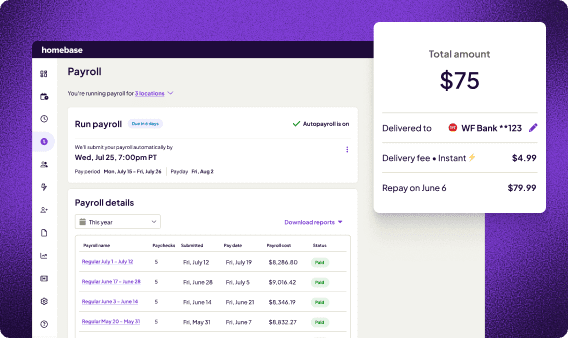
Paying contractors looks simple until it sits next to an hourly team, and that’s why we wrote this guide to payroll software for contractors. Many small businesses with hourly teams also pay contractors, and they need contractors who add their own bank details, hours that flow from the time clock into payroll, and 1099-NECs filed without a spreadsheet.
At first, the trainers at Kris Herbert’s gym were contractors. When he moved them to W-2s, every hour suddenly had to be tracked, and he was learning as he went:
“When I opened the gym, I just knew how to lift heavy weights. I didn’t know anything about [running] the business. … Homebase has a slot for the commissions, for additional earnings, for the deductions, and it makes it so simple to see.”
Kris Herbert, owner of The Gym Venice, a strength gym in California
How We Chose the Best Payroll Software for 1099 Contractors
We built this list of payroll software for contractors for US businesses that pay 1099 workers. Some searches call it payroll software for 1099 employees, but the IRS calls these workers independent contractors, so that’s our term.
We compared each tool on these points:
- Monthly cost at 5, 10, and 25 contractors.
- 1099-NEC filing and W-9 collection.
- Contractor self-service and payment speed.
- Time tracking for contractors who work set hours.
- Per-person fees in months you pay no one.
- Support and review sentiment on G2 and Capterra.
In this r/Payroll discussion, a commenter asked two questions that sort most buyers: how many contractors do you pay, and do they send invoices or submit timesheets? We answer those questions to show you whether payroll or a simple bill pay tool fits better, and how fast per-person fees add up.
We checked IRS filing rules and each vendor’s published contractor pricing, then read G2, Capterra, and Reddit feedback from owners who pay contractors. Our full methodology has the rest.
Contractor Payroll Software Comparison: Top 3 Picks
If you want payroll for contractors without the guesswork, here’s how the top three picks compare on price, how you start, ratings, and best fit.
| Homebase | Remote | Deel | |
|---|---|---|---|
| Price | Payroll add-on: $49 a month plus $6 per person paid | $29 per active contractor per month | $49 per contractor per month |
| How you start | Free Basic plan; payroll is a paid add-on | Free to onboard; you pay for active contractors only | Priced per contractor |
| Ratings (G2 · Capterra) | 4.6 · 4.6 | 4.5 · 4.4 | 4.7 · 4.9 |
| Best for | US businesses with contractors and hourly employees | Contractors in other countries | Global teams that also pay US contractors |
How Homebase Compares With Other Payroll Software for Independent Contractors
Publisher’s note: here’s where we fit among payroll software for contractors, and where we don’t.
- Where we fit: you pay hourly employees and contractors, and some contractors clock in. One time clock, one payroll, and one 1099-NEC filing cover everyone. At Active Education, payroll for 40 to 55 remote employees takes about two hours every two weeks.
- Where we don’t: contractor-only businesses with no hourly team can pay less with QuickBooks Contractor Payments, Patriot, or Square. Contractors abroad are better served by Remote or Deel.
Here’s what each tool costs per month to pay 5, 10, or 25 contractors, using published prices:
| Tool | How it’s priced | 5 contractors | 10 contractors | 25 contractors |
|---|---|---|---|---|
| QuickBooks Contractor Payments | $25 for up to 20, then $2 each | $25 | $25 | $35 |
| Patriot (Basic) | $17 plus $4 each | $37 | $57 | $117 |
| Square Payroll | $6 each | $30 | $60 | $150 |
| Gusto (Simple) | $49 plus $6 each | $79 | $109 | $199 |
| Homebase payroll | $49 plus $6 each | $79 | $109 | $199 |
| OnPay | $49 plus $6 each | $79 | $109 | $199 |
| Remote (Contractor Management) | $29 each | $145 | $290 | $725 |
| Deel (Contractor Management) | $49 each | $245 | $490 | $1,225 |
Plan fees are extra. Our free Basic plan includes time tracking for one location with up to 10 employees.
Best Payroll Software for Contractors: Our 8 Picks Reviewed
Each pick below is payroll software for contractors that supports 1099 filing. We cover what it’s best for, what it costs, what reviewers say, and our take.
1. Homebase: payroll software for contractors and hourly employees.
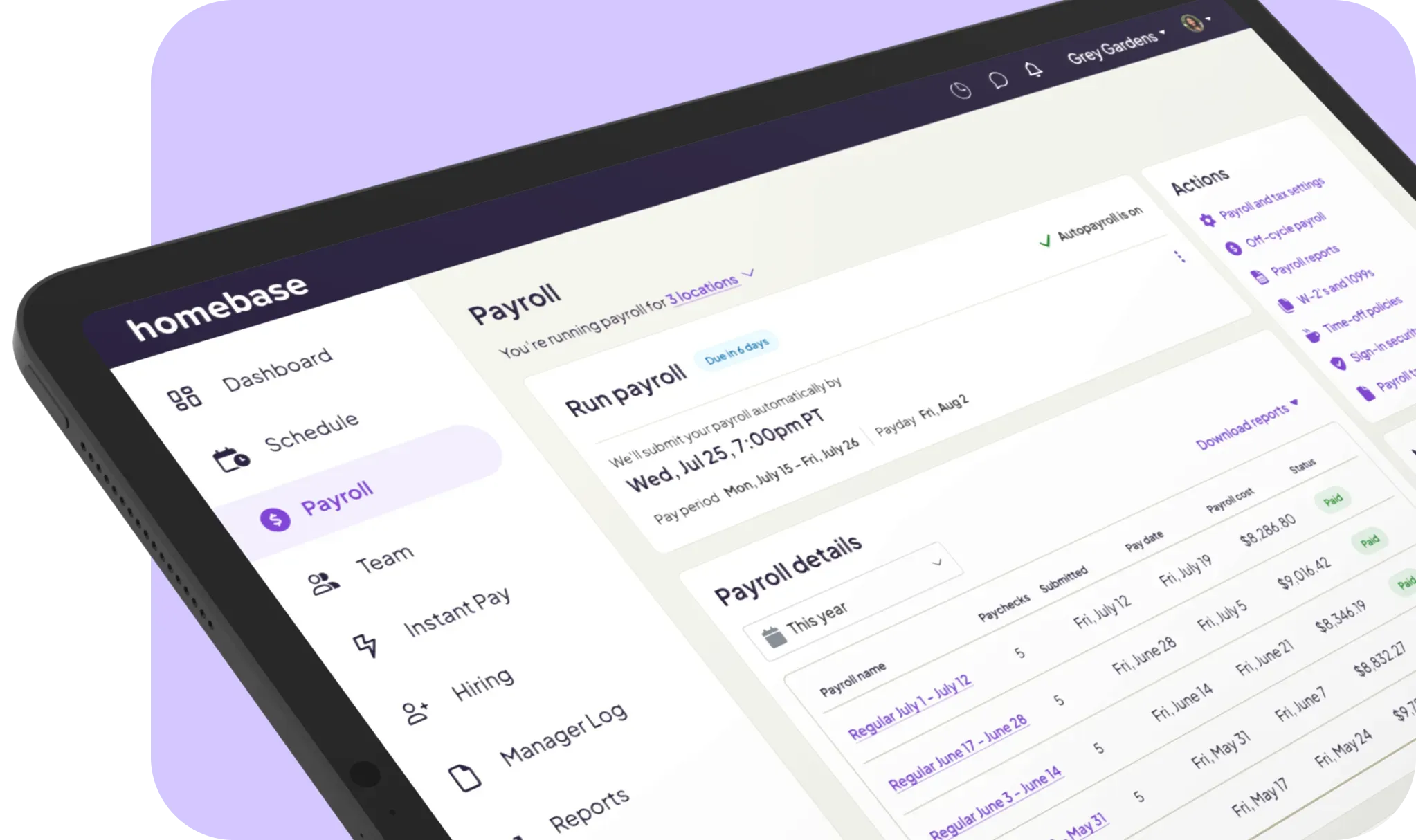
Our app puts the time clock, schedule, and payroll in one place, so hours turn into pay without retyping. Contractors add their own bank details and can clock in from their phones, and we file 1099-NECs where required.
- Best for: small businesses that pay contractors alongside hourly employees.
- Ratings: G2 4.6, Capterra 4.6.
- Pricing: payroll is $49 a month plus $6 per person paid. See current plans on our pricing page.
- What users say: one G2 reviewer wrote, “I love how Homebase payroll is connected making payroll a breeze.” At least one G2 reviewer raised pricing for advanced tools like payroll, and our payroll specialists are there when questions come up.
- Our take: best when contractors are also hourly, like instructors, cleaners, or event crews. Kris Herbert, owner of The Gym Venice, says, “Payroll used to take me hours.” His case study puts it at about 20 minutes now, with W-2 trainers, as long as everyone’s punches are right.
Moving contractor bank details and tax info into a new payroll tool can feel like a project of its own. Free setup and data transfer from our payroll experts keep it painless, which is the idea behind switching to Homebase payroll.
2. Remote: payroll software for contractors outside the US.
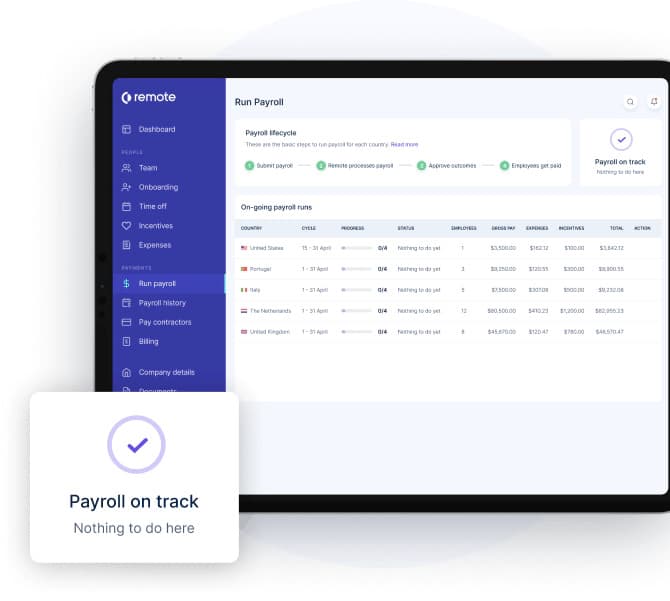
Remote is payroll software for contractors abroad, with local compliance and payments from one dashboard. Contractors invoice through the app, and you approve with one click or set auto-pay.
- Best for: paying contractors in other countries.
- Ratings: G2 4.5, Capterra 4.4.
- Pricing: $29 per contractor per month, billed only for contractors who invoice, sign, or get paid that month. Onboarding is free, card payments add a 3.5% service fee, and 1099-NEC generation is included. A Plus tier adds coverage up to $100,000 per contractor for penalties.
- What users say: a contractor-side G2 reviewer says invoices are processed within hours. Another reviewer wrote that the “AI customer support chatbot is often not helpful.”
- Our take: priced per contractor, so it adds up for a US-only team. It shines when your contractors live abroad.
3. Deel: contractor payment software for global teams.
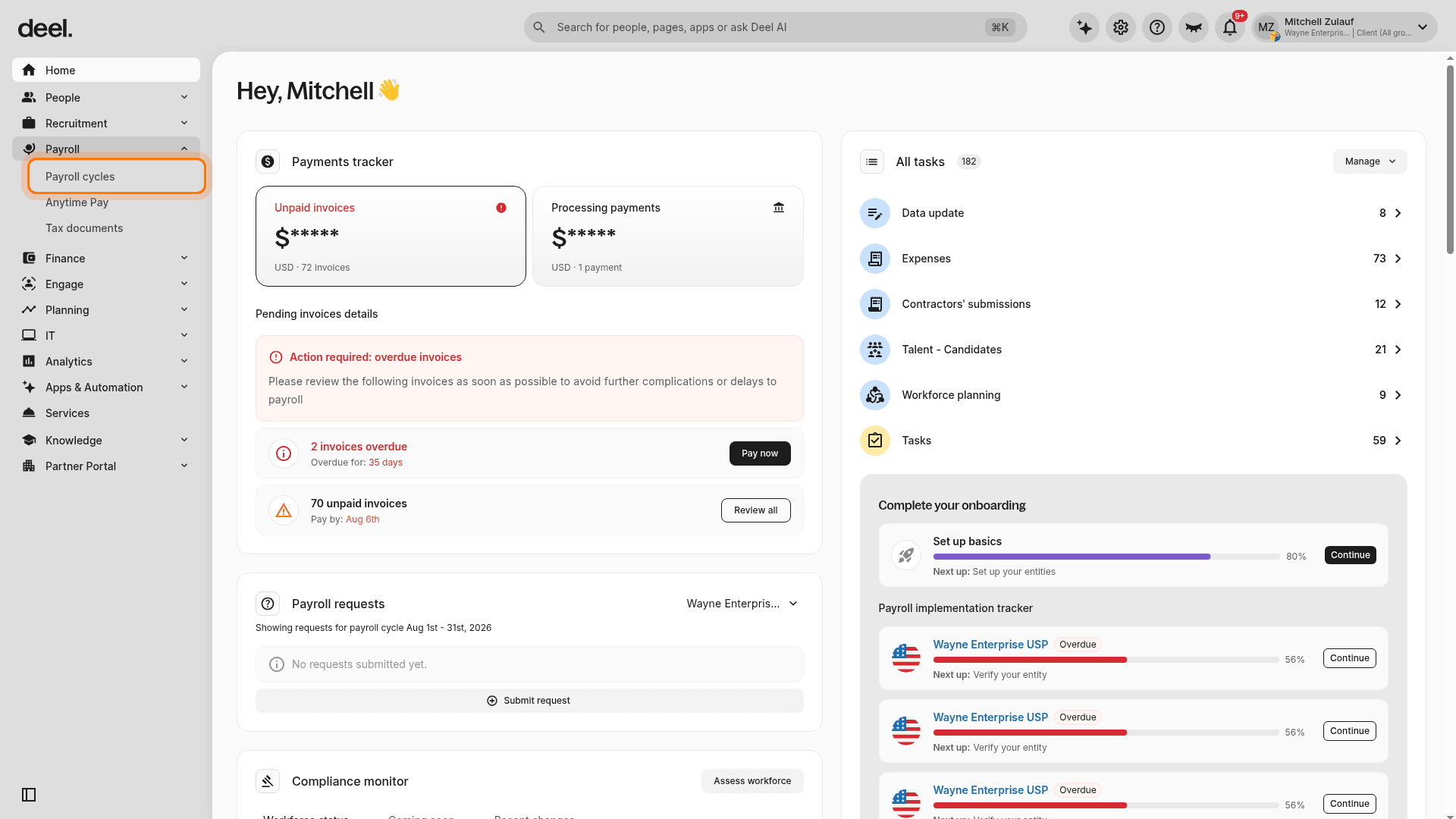
Deel pays contractors worldwide and also collects W-9s and files 1099s for US contractors from the same dashboard, so one tool covers both.
- Best for: US businesses that pay contractors abroad and file 1099s for domestic ones.
- Ratings: G2 4.7, Capterra 4.9.
- Pricing: Contractor Management is $49 per contractor per month, and Contractor of Record is $325.
- What users say: one Capterra reviewer titled a review “Excellent intermediary for agencies to pay contractors.” Others mention withdrawal and transaction fees.
- Our take: it costs the most per contractor of any US-capable tool here, so Square, QuickBooks, or Patriot cost less for a US-only team.
4. Gusto: payroll software for 1099 contractors and employees.
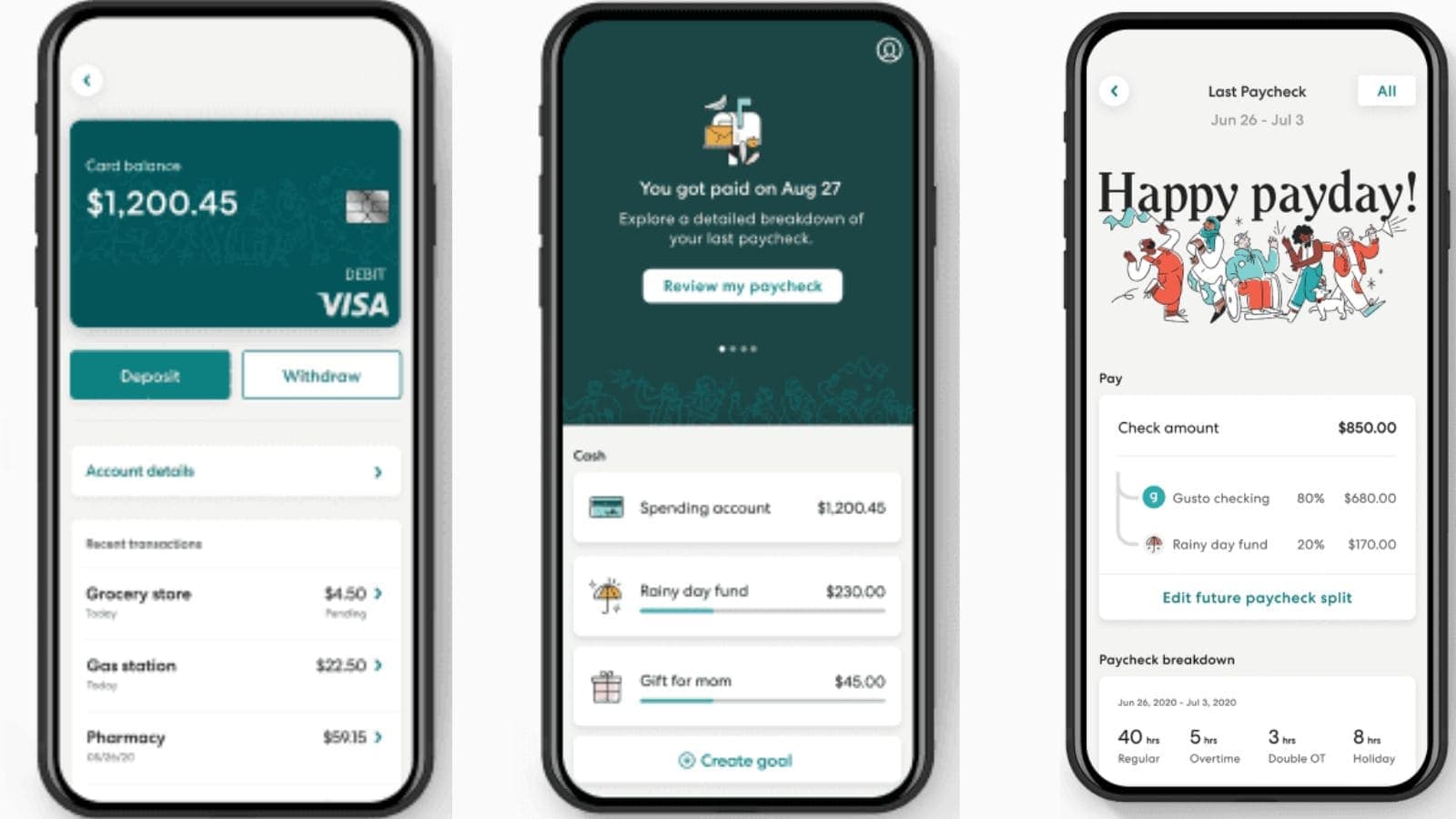
Gusto offers full-service payroll that handles contractors too. It bills U.S. contractors at your plan’s per-person rate, only in months you pay them, and global contractor payments reach more than 120 countries with no monthly per-contractor fee.
- Best for: small businesses that want full-service payroll with contractor payments built in.
- Ratings: G2 4.6, Capterra 4.6.
- Pricing: Simple is $49 a month plus $6 per person, and contractors are billed at that per-person rate. Global contractor payments add small per-payment and exchange-rate fees.
- What users say: one G2 reviewer wrote, “I use Gusto for payroll, onboarding, W-9 info for contractors, and background checks.” G2 reviewers most often cite missing features and customer support as drawbacks.
- Our take: the best-known option, with contractor payments built into its payroll plans. The $6 per-person fee grows with headcount.
5. QuickBooks: payroll for independent contractors.
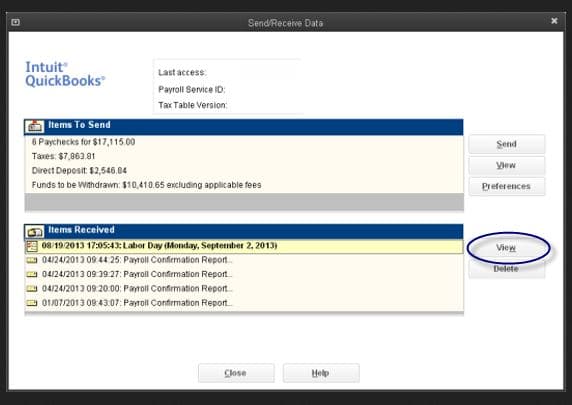
QuickBooks sells contractor payments as a standalone product, alongside its QuickBooks Workforce payroll. Contractors set up a free account and complete W-9s online, and payments sync with QuickBooks Online.
- Best for: businesses already running QuickBooks Online.
- Ratings: G2 4.4, Capterra 4.5.
- Pricing: Contractor Payments is $25 a month with 20 contractors included and $2 for each extra. Next-day direct deposit for contractors carries an added fee, and Workforce Payroll starts at $50 plus $7 per employee or contractor.
- What users say: one Capterra reviewer finds it easy to use, while a three-star review says, “The support for QuickBooks Payroll is terrible.”
- Our take: best when your books already live in QuickBooks Online, and it costs less than Square from five contractors up.
6. Square Payroll: contractor payroll with a contractor-only plan.
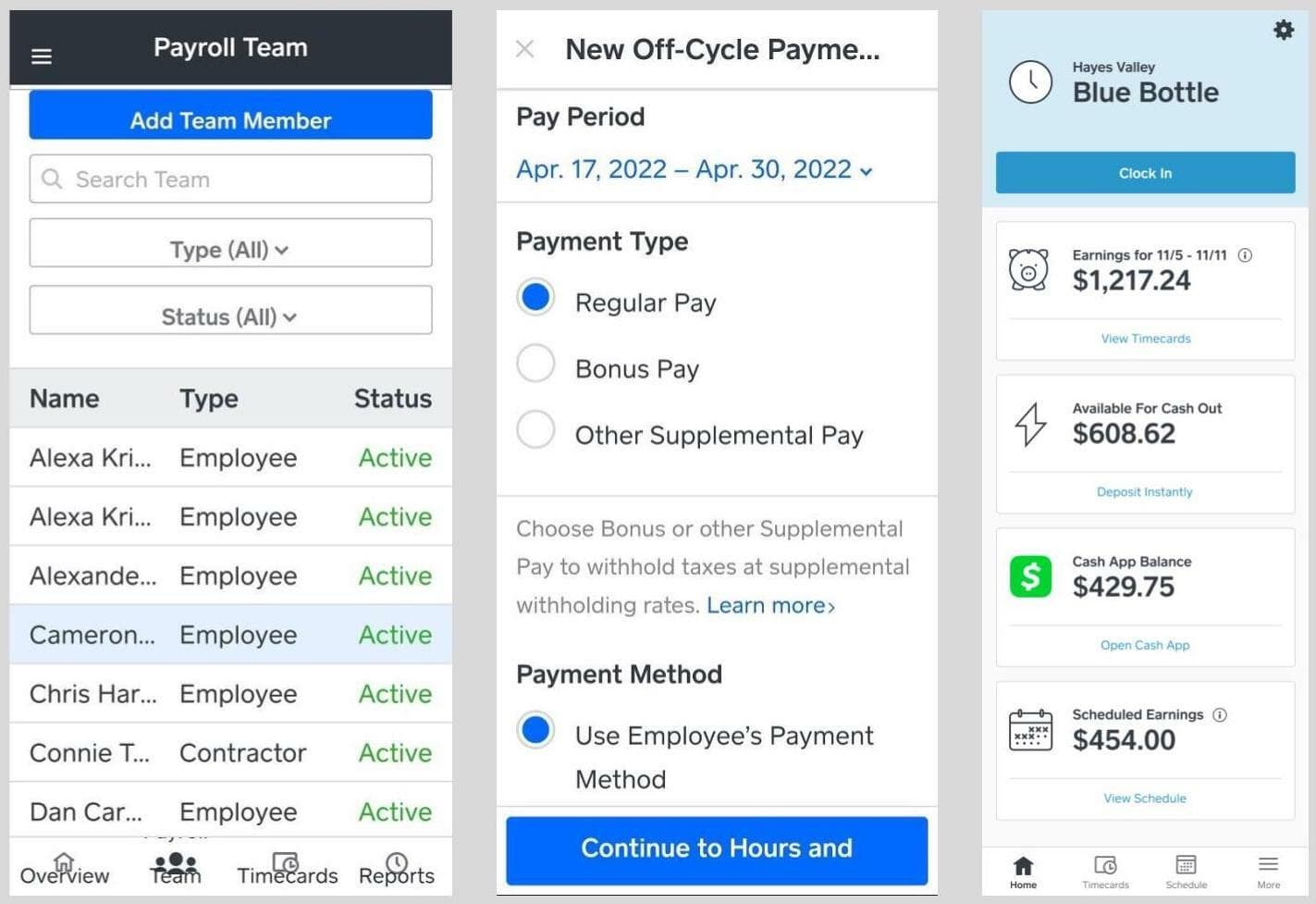
Square Payroll is payroll software for contractors with a contractor-only plan and no base fee, so you pay only per person paid. It handles direct deposit and 1099-NEC filing, and contractors can clock in on the Square Team app.
- Best for: US businesses that pay only contractors, especially Square POS users.
- Ratings: G2 4.2 (31 reviews), Capterra 4.7 (620 reviews).
- Pricing: Square Payroll pricing is $6 a month per person paid, with no base fee. Full-service payroll adds a $35 base.
- What users say: one Capterra reviewer calls it “so simple and so fast to get contractors set up and paid.” Another reported two payroll errors and a missed unemployment tax payment.
- Our take: the lowest price for up to four contractors. G2 has only 31 reviews, so check recent support feedback.
7. Patriot Software: independent contractor payroll software on a budget.
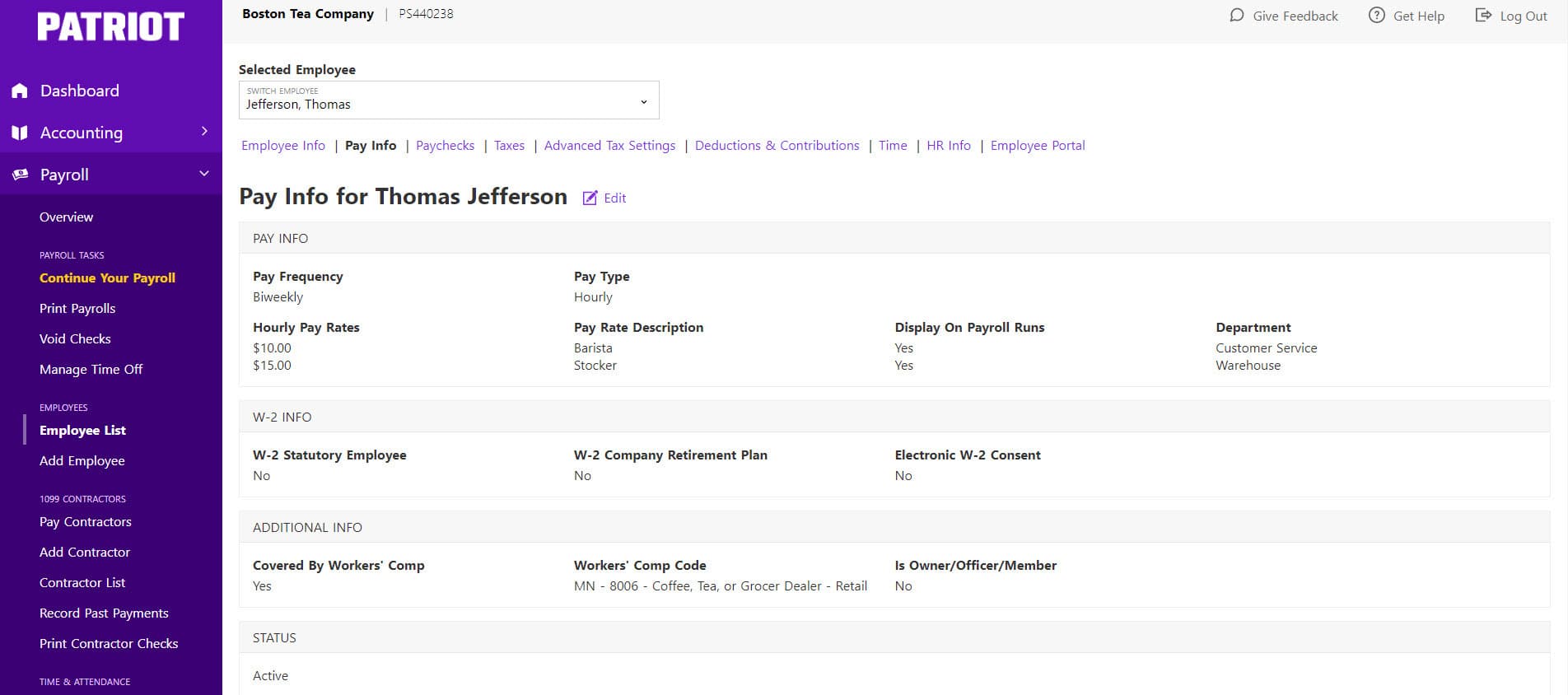
Patriot Software offers contractor payroll services in Basic and Full Service plans, covering employees and 1099 contractors. Basic leaves tax filing to you, while Full Service has Patriot file and pay for you.
- Best for: budget-minded small businesses.
- Ratings: G2 4.8, Capterra 4.8.
- Pricing: Basic is $17 a month plus $4 per worker paid, and Full Service is $37 plus $5. Skip a month and you pay only the base fee. Extra states cost $12 a month each, and 1099 e-filing is included with Full Service and optional with Basic.
- What users say: one Capterra reviewer wrote, “Paying contractors, and especially filing 1099 at end of year was almost hands-off.” Another reviewer said the “recent fee increase does begin to lose their edge on competitors.”
- Our take: simple and cheap, though 1099 e-filing is an add-on with Basic, so check Patriot’s current rates.
8. OnPay: payroll software for contractors and small teams.
OnPay pays employees and contractors in one pay run for a flat, published price. Contractors can download year-end forms from their own account.
- Best for: US small businesses that want one published price for employees and contractors.
- Ratings: G2 4.8, Capterra 4.8.
- Pricing: $49 a month plus $6 per person included in a pay run. Time tracking is a paid add-on at $15 plus $4 per worker, and mailing year-end forms costs $10 per form.
- What users say: one Capterra reviewer said they “would rather enter contractors as contractors rather than employees,” which they described as easier to set up.
- Our take: the price shape matches our payroll add-on, but our free Basic plan includes time tracking while OnPay charges extra for it. One G2 reviewer wished it offered time tracking for contractors.
What to Know Before Paying 1099 Contractors in 2026
A few basics matter more than which app you pick. Get these four right, and year-end gets much easier.
The 1099-NEC threshold for independent contractors is $2,000 in 2026.
For payments made in 2026, you report a contractor on Form 1099-NEC when you pay them $2,000 or more, up from $600. The IRS instructions on filing dates say the form is due to the contractor and the IRS by January 31. Because January 31, 2027 falls on a Sunday, the deadline moves to Monday, February 1.
Card and payment-app payments go on the processor’s 1099-K instead. And if you withhold backup withholding, you file a 1099-NEC at any amount.
Collect a W-9 before you pay 1099 contractors.
Ask for a Form W-9 before the first payment. It gives you the contractor’s name, address, and taxpayer ID, which you need to file a 1099-NEC later. The IRS Form W-9 is the standard form for collecting that information.
Not sure what goes where? Our guide explains what a W-9 form is. Many contractor payroll tools collect the form online when contractors set up their accounts.
Contractor or employee? How to classify 1099 contractors.
The IRS looks at behavioral control, financial control, and the type of relationship to decide whether someone is a contractor or an employee. No single factor decides it. If you set the schedule, track the hours, and supply the tools, the facts can point toward an employee.
Kris Herbert, who owns The Gym Venice in California, saw this firsthand. His trainers started as contractors, but he learned a training business can’t use contractors to deliver the same service it sells. He moved them to W-2s, and then every hour had to be tracked, since a missed clock out can turn into a day of overtime.
Every case turns on your facts and your state. Our guides to independent contractor laws and 1099 vs. W-2 employees can help.
If your contractors work set hours, you’ll want a record of when they started and stopped. A phone time clock with optional GPS location checks gives you that record, and Homebase’s mobile GPS time clock puts it in their hands.
How to run contractor payroll alongside employee payroll.
Run both in one payroll when you can, because two systems mean double entry and missed forms. Give each worker type its own paperwork: a W-9 for contractors and a W-4 for employees. Pay contractors by invoice or milestone with off-cycle runs, and add mileage or materials as reimbursements.
Self-service onboarding keeps this manageable. At Active Education, employee onboarding dropped from 15 to 20 minutes per person to under a minute. Our guide on how to pay your first contractor covers the basics.
Paying hourly employees in one tool and contractors in another gets old fast. When contractors add their own bank details and hours flow in from the time clock, one pay run covers everyone. That’s how Homebase handles 1099 contractor payroll.
How to Choose Payroll Software for Contractors
The right payroll software for contractors depends on who you pay and how they work. The best way to pay independent contractors is to match your situation to one of these four:
- US contractors only: QuickBooks Contractor Payments, Patriot, and Square Payroll cost the least.
- Contractors and hourly employees: one payroll for both keeps hours, pay, and forms together, as with Homebase, Gusto, or OnPay.
- Contractors abroad: Remote and Deel are built for it.
- Contractors who only send invoices: a bill pay or accounting tool can fit better than payroll.
“Homebase has allowed us to grow with no hiccups. There haven’t been any constraints.”
Lee Hartley, Director of Operations at Active Education
Want payroll you won’t outgrow? Start with a tool where the time clock, schedule, and 1099 filing already work together, like Homebase payroll.
Payroll Software for Contractors FAQs
How do I do payroll for independent contractors?
To do payroll for independent contractors, collect a W-9, agree on pay terms, and pay by direct deposit. Keep a running total of what you pay each person.
If you pay a contractor $2,000 or more in 2026, file a 1099-NEC by January 31. For 2026 payments, that date moves to February 1, 2027.
What is the best payroll software for contractors?
The best payroll software for contractors is the one that matches who you pay. For US contractors, QuickBooks Contractor Payments, Patriot, and Square Payroll cost the least.
If you also pay hourly employees, Homebase and OnPay keep everyone in one pay run. Remote and Deel suit contractors abroad.
Do I need payroll software to pay 1099 contractors?
Payroll software isn’t required to pay 1099 contractors, but it helps once you track hours, pay on a schedule, or mix contractors with employees.
If contractors only send invoices, bill pay or accounting software plus a W-9 and a 1099 filing can work.
Do I have to file a 1099-NEC for a contractor paid less than $2,000?
You generally don’t have to file a 1099-NEC for a contractor paid less than $2,000 in 2026, since the IRS threshold rose from $600.
Backup withholding is the exception. If you withheld any federal income tax, you file a form at any amount.
Can I run contractor payroll and employee payroll together?
You can run contractor payroll and employee payroll together with Homebase, Gusto, OnPay, Patriot, Square, and QuickBooks Workforce.
Each worker type keeps its own paperwork, so contractors receive 1099-NECs and employees receive W-2s. You still pay everyone in one run.